

Tabata
4 min20 s work · 10 s rest · 8×
The classic: eight all-out bursts in four minutes. Great with burpees, jump squats or a bike.
HIIT modeThe interval timer for HIIT, Tabata, circuits, rounds and sets. Choose your times, press start and let 9 Timer count for you.
From a 4-minute Tabata to a full boxing session: choose the format and adjust the times.
The app has no classes or ready-made exercises: it's the timer. Each kind of workout uses a different mode, with the times you choose.
Pick an activity to see the timer it uses.

9 Timer doesn't come with exercises: pick your own, set the times and press start.
20 s work · 10 s rest · 8×
The classic: eight all-out bursts in four minutes. Great with burpees, jump squats or a bike.
HIIT mode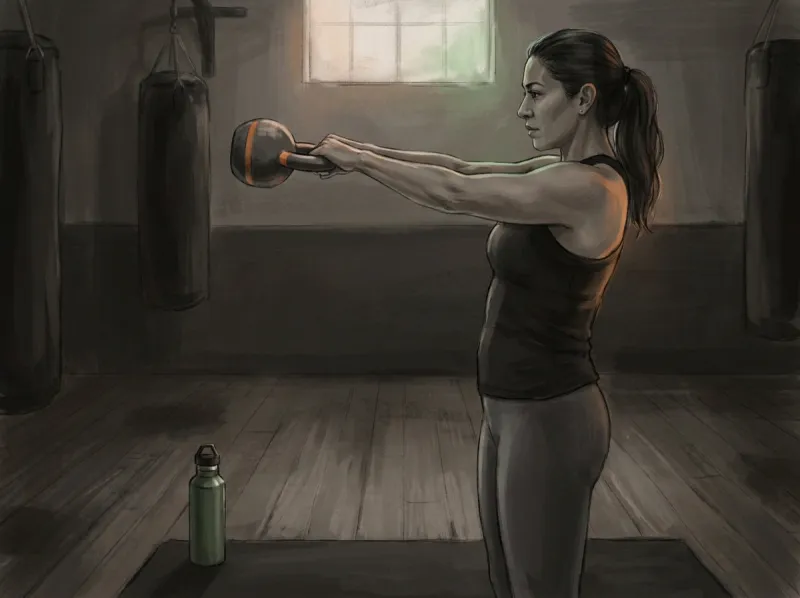
40 s work · 20 s rest · 10×
Longer work, short rest. Good for circuits with kettlebells, jumping jacks and planks.
HIIT or Circuit mode
30 s sprint · 90 s easy · 6×
Run hard, then recover walking or jogging. Outdoors, on a treadmill or on a bike.
HIIT mode
3 min round · 1 min rest · 5×
The rhythm of boxing and muay thai, for bag work, pads or shadowboxing.
Round mode
HIIT mode comes with a warm-up and a cool-down. Each phase has its own color and sound, so you know what's next without looking at the screen.
9 Timer is a timer and doesn't replace professional advice. If you have a health condition, talk to a doctor before you start.
A sound for each phase, vibration and warning beeps before the end. 9 Timer keeps alerting you with the screen locked, and the beeps play over your music.
Build your own sequences with blocks, exercises, cycles and sets, give each phase a name and a color, and start them in one tap.
Save the timers you use most and start them straight from the list, without setting everything up again.
Finished timers go to your history automatically, with the time of each phase, charts and a monthly calendar.
People pick 9 Timer because it does what they need, and does it well.
“I was looking for an app just to time work and rest in my circuit training and found something far more complete. The free version is already impressive.”
“A great app: simple, neat and easy to use. Customizable my way, even in the free version.”
“I can listen to my own playlist and it tells me every time the movement changes. I'm loving it.”
Yes. The timer works for free in all four modes. Premium is optional: it unlocks unlimited saved timers, your full history and statistics, and session comparisons.
A HIIT format with 8 bursts of 20 seconds at maximum effort and 10 seconds of rest: four minutes in total. In 9 Timer, use HIIT mode with 20 s of high intensity, 10 s of low intensity and 8 intervals.
Usually 4 to 30 minutes, including warm-up and cool-down. 9 Timer shows the total time before you start, so you can adjust it to fit your day.
HIIT, Tabata, circuits, boxing and martial-arts rounds, sets with rest, running intervals, stretching, classes you teach… anything that alternates work and rest.
Yes. The timer keeps running in the background and alerts you at every phase change, even with the screen locked.
Yes. The beeps play over your music, so you don't have to choose between your playlist and the timer.
Yes. Create timers with your own blocks, phases, colors, cycles and sets and start them whenever you want. The free version saves one; Premium saves as many as you like.
No. The timer works without an account. If you sign in, your timers and history are backed up to the cloud and come back if you change phones.
Yes. Payment is handled entirely by the App Store or Google Play; we never see your card details.
Whenever you want, straight from the store where you subscribed — App Store or Google Play.
Free to download. Join more than 500,000 people who time their intervals with 9 Timer.
 Coming soon to the App Store

Point your phone camera to download
Send us a message. We reply fast.
